
Imagine holding a stack of cash in your hand. You don't need an app to spend it, and no one can freeze it unless they physically take it from you. Now, imagine that same value exists only as code on a digital ledger. If you lose the key to that code, or if someone else steals it, that money is gone forever. This is the reality of cryptocurrency. The tool you use to store these keys-your wallet-is not just a convenience; it is the difference between financial freedom and total loss.
In 2026, the landscape has shifted. We are past the days of trusting every exchange with your life savings. The question isn't just "which wallet looks cool?" It is "which setup matches my risk tolerance, technical skill, and asset type?" Whether you are holding Bitcoin for retirement or swapping tokens on Solana daily, choosing the wrong tool can cost you everything. Let's break down exactly how to pick the right one without getting lost in tech jargon.
The Golden Rule: Not Your Keys, Not Your Coins
Before we look at specific brands, you need to understand one core concept. When you keep crypto on an exchange like Coinbase or Binance, you do not own the private keys. They do. If the exchange goes bankrupt, gets hacked, or bans your account, your funds are inaccessible. This is called custodial storage.
Self-custody means you hold the private keys. These are complex strings of characters that prove ownership of your assets. A cryptocurrency wallet does not actually store coins inside it; it stores these keys and helps you sign transactions. The moment you move funds to a self-custody wallet, you become your own bank. There is no customer support to reset your password. There is no "forgot PIN" link. If you lose your recovery phrase (a list of 12-24 words generated during setup), your money is mathematically unrecoverable. This responsibility is heavy, but it is the price of true ownership.
Hardware vs. Software: The Security Trade-off
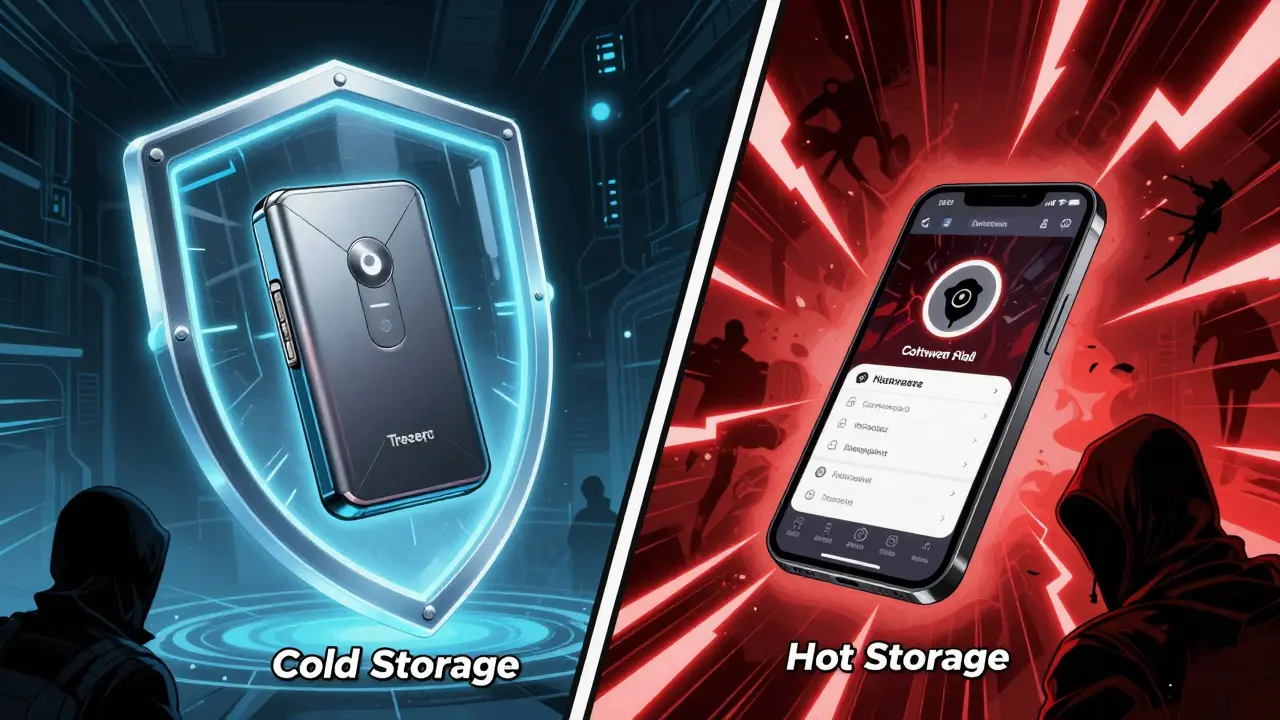
Your choice largely comes down to two categories: hardware wallets (cold storage) and software wallets (hot storage). Think of a hardware wallet like a safety deposit box at a bank vault. It is offline, secure, and great for long-term holding. A software wallet is like the cash in your pocket. It is convenient, always accessible, but easier to lose or steal.
| Feature | Hardware Wallet (Cold) | Software Wallet (Hot) |
|---|---|---|
| Security Level | Very High (Offline) | Medium (Online/Connected) |
| Convenience | Low (Requires physical device) | High (Instant access via phone/PC) |
| Cost | $100 - $250 upfront | Free (mostly) |
| Best For | Long-term holdings, large amounts | Daily trading, small balances, DeFi |
| Risk | Physical loss/damage | Hacks, malware, phishing |
If you have thousands of dollars invested, a hardware wallet is non-negotiable. If you are experimenting with $50 worth of tokens, a software wallet saves you time and money. Many experienced users use both: a hardware wallet for their "savings" and a software wallet for their "spending cash."
Top Hardware Wallets for 2026
For serious investors, hardware wallets remain the gold standard. Two names dominate this space in 2026: Ledger and Trezor. They offer different philosophies on security.
Ledger Nano X is the market leader for versatile hardware storage, supporting over 5,500 cryptocurrencies and featuring Bluetooth connectivity for mobile management. At approximately $149, it offers incredible value. It uses a Secure Element chip (CC EAL5+ certified), similar to those in passports and credit cards, to protect your keys. The Bluetooth feature allows you to manage assets via the Ledger Live app on iOS and Android without plugging the device into your phone. However, some security purists dislike Bluetooth because it introduces a wireless attack surface, even though the communication is encrypted. If you want maximum compatibility and ease of use across many chains, this is a top contender.
Trezor Model T is an open-source hardware wallet emphasizing transparency and air-gapped security, featuring a touchscreen interface and support for Shamir Backup. Priced around $219, it appeals to privacy advocates. Unlike Ledger, Trezor’s firmware and hardware designs are fully open-source, meaning anyone can audit the code for backdoors. It has no Bluetooth, keeping it completely air-gapped. It also supports Shamir Backup, which splits your recovery seed into multiple parts, so losing one piece doesn’t compromise your funds. If you value transparency and paranoia-level security over convenience, Trezor is the choice.
For beginners who find hardware wallets intimidating, the Trezor Model One serves as an entry-level hardware option that simplifies setup while maintaining basic cold storage security principles. It lacks a screen and Bluetooth but provides essential offline protection at a lower price point.
Best Software Wallets for Daily Use
Software wallets live on your phone or computer. They are connected to the internet, making them faster but more vulnerable. Here are the standout options for 2026.
Trust Wallet is a highly versatile mobile wallet supporting over 100 blockchains and millions of tokens, offering built-in staking and DEX integration. Owned by Binance but operating independently, it is free and incredibly user-friendly. It acts as a gateway to decentralized finance (DeFi) with its built-in browser. If you trade frequently on mobile and hold diverse altcoins, Trust Wallet is hard to beat. Money.com rated it as the best mobile crypto wallet in early 2026 due to its seamless experience and broad asset support.
Exodus is a desktop and mobile wallet known for its polished interface, built-in exchange features, and support for 50+ blockchain networks. It is visually stunning and easy for beginners. You can swap coins directly within the app. However, be aware that Exodus controls the transaction fees for swaps, which can be higher than using external exchanges. It also integrates well with Trezor hardware wallets, allowing you to combine a beautiful UI with cold storage security.
MetaMask is the industry-standard Web3 wallet for interacting with Ethereum-based decentralized applications, NFTs, and DeFi protocols. If you plan to use dApps, buy NFTs, or participate in governance votes on Ethereum, Polygon, or BSC, you essentially need MetaMask. It is available as a browser extension and mobile app. While excellent for interaction, it is not ideal for storing large amounts of Bitcoin or non-EVM assets natively. It shines when paired with a hardware wallet for signing transactions securely.
Niche Wallets: Bitcoin and Solana Specialists
Generalist wallets try to do everything. Specialist wallets do one thing perfectly. If you only hold Bitcoin, or only play in the Solana ecosystem, generalists might add unnecessary complexity or risk.
For Bitcoin maximalists, Sparrow Wallet is a advanced desktop wallet designed for privacy and control, allowing users to customize fee structures and connect to Bitcoin Core nodes. It is not for beginners. It gives you granular control over every aspect of your transaction, including coin selection and change addresses. For mobile Bitcoin users, Phoenix Wallet excels at integrating Lightning Network payments with on-chain Bitcoin, providing a smooth user experience for fast, low-cost transactions.
For Solana users, Phantom Wallet is the dominant wallet for the Solana ecosystem, offering intuitive NFT management, built-in swaps, and real-time scam detection. It supports multiple chains now, but its heart is in Solana. The interface is clean, and it handles the high-speed nature of Solana transactions better than most multi-chain competitors. Note that Phantom charges higher fees for in-app swaps compared to using dedicated decentralized exchanges.

Beginner-Friendly Options Without Seed Phrases?
Some wallets claim to eliminate the need for a 24-word recovery phrase. Zengo is a mobile-first wallet that uses threshold signatures to remove the need for traditional seed phrases, simplifying backup and recovery for new users. This sounds amazing, but it changes the security model. Instead of you holding all the keys, the keys are split between your device and Zengo’s servers. If Zengo goes down or is compromised, your access could be affected. It is convenient, but true self-custody purists avoid it. Similarly, Coinbase Wallet offers a beginner-friendly interface with encrypted cloud backup options, bridging the gap between exchange accounts and self-custody. It is safe for learning, but ensure you understand where your keys actually live.
How to Decide: A Simple Checklist
Still unsure? Ask yourself these three questions:
- What is the value? If it’s less than $500, a software wallet like Trust Wallet or MetaMask is fine. If it’s more, buy a hardware wallet.
- Which chain? Mostly Bitcoin? Look at Sparrow or Phoenix. Mostly Ethereum/Solana? MetaMask or Phantom. Everything? Ledger or Exodus.
- What is your skill level? New to crypto? Start with Coinbase Wallet or Zengo to learn the ropes, then graduate to a hardware wallet as your portfolio grows. Experienced? Go straight to Trezor or Ledger.
Never download a wallet from a search engine ad. Always go to the official website. Verify the URL. Buy hardware wallets only from official manufacturers or authorized resellers. Counterfeit devices exist and are designed to steal your keys. Your security depends on your vigilance.
Is a hardware wallet really necessary for small amounts of crypto?
Not necessarily. If you are holding small amounts (e.g., under $500) for active trading or experimentation, a reputable software wallet like Trust Wallet or MetaMask offers sufficient security and much greater convenience. The cost of a hardware wallet ($150+) outweighs the benefit for tiny balances. However, as your holdings grow, transitioning to cold storage becomes critical.
Can I use MetaMask with a Ledger or Trezor device?
Yes, and this is a recommended setup for many users. You can connect your Ledger Nano X or Trezor Model T to the MetaMask browser extension. In this configuration, MetaMask handles the user interface and transaction building, while your hardware wallet signs the transactions offline. This combines the ease of MetaMask with the high security of cold storage.
What should I do if I lose my recovery phrase?
If you lose your recovery phrase (seed phrase) for a self-custody wallet, your funds are permanently lost. No company, not even Ledger or Trezor, can recover them. This is why writing down your phrase on paper and storing it in a fireproof safe is essential. Never store it digitally (photos, cloud notes) as it can be hacked. Consider using a metal backup plate for durability against fire or water damage.
Are open-source wallets safer than closed-source ones?
Open-source wallets like Trezor allow anyone to inspect the code for vulnerabilities or backdoors, which builds trust among security experts. Closed-source wallets like Ledger use proprietary Secure Elements that are difficult to reverse-engineer, offering strong physical security. Both approaches have merits. Open-source favors transparency; closed-source favors specialized hardware security. For most users, either is safe if purchased from official sources.
Why does Phantom charge higher fees for swaps?
Phantom aggregates liquidity from various decentralized exchanges to give you the best rate, but it adds a service fee for this convenience. If you are sensitive to fees, you can use Phantom to connect to independent DEXs like Jupiter or Raydium on Solana, where you pay only network gas fees and minimal protocol fees. This requires slightly more effort but saves money on larger trades.
 Cryptocurrency Guides