
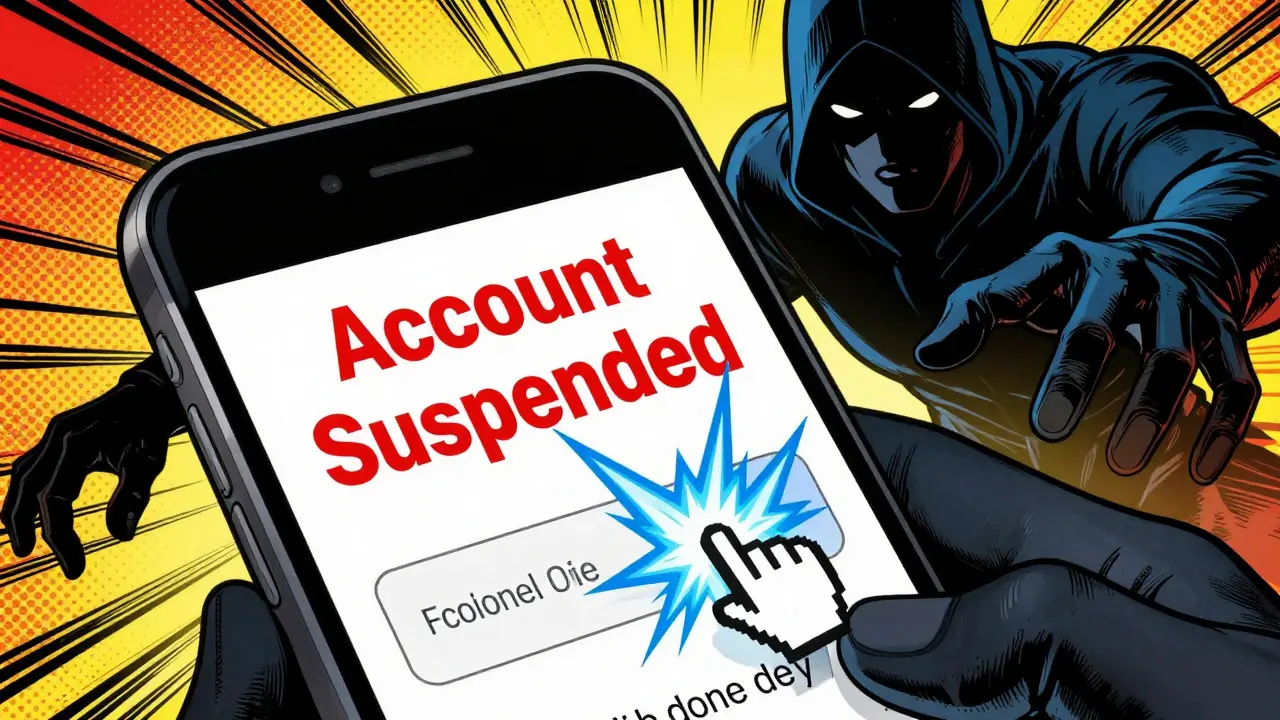
You check your email, see a message from "Support" at your favorite exchange, and notice a warning about a suspended account. Your heart skips a beat. You click the link, type in your details, and suddenly, your funds are gone. This isn't a movie plot; it’s the daily reality for thousands of cryptocurrency users. In 2024 alone, victims lost $9.3 billion to crypto-related scams, with crypto phishing accounting for nearly 40% of those losses. The bad news? Attackers are getting smarter, using AI and deepfakes. The good news? They still rely on you making one simple mistake.
Phishing isn't just about fake emails anymore. It’s a sophisticated ecosystem designed to steal your private keys, seed phrases, or drain your wallet directly. If you hold digital assets, identifying these attempts is no longer optional-it’s survival. Let’s break down exactly how to spot them before they cost you everything.
The Anatomy of a Modern Crypto Phish
To catch a thief, you need to know their tools. In 2025 and heading into 2026, attackers have moved beyond clumsy spelling errors. According to Zscaler’s 2025 Phishing Threat Report, credential harvesting pages make up 72% of attacks. These look identical to legitimate sites like Coinbase or Binance. Securelist analysis found that many of these clones achieve 95% visual accuracy. They copy logos, color schemes, and even layout quirks perfectly.
But here’s where they slip up: the domain. Attackers register new domains rapidly-87% of malicious URLs analyzed by Proofpoint were created within 72 hours of deployment. Why so fast? To evade reputation systems. By the time security flags go up, the damage is done. Another rising threat is QR code phishing, which jumped 210% year-over-year. Attackers embed malicious links in PDFs or images, knowing most people scan them with phones that lack enterprise-grade security checks. iProov found that 63% of QR code victims accessed these links via smartphones, bypassing biometric safeguards entirely.
| Attack Vector | Prevalence | Key Red Flag |
|---|---|---|
| Credential Harvesting Pages | 72% | Newly registered domain (under 72 hours) |
| QR Code Redirection | 18% | Unverified source; mobile-only access |
| Password-Protected PDFs | 22% of emails | Password provided in same email/SMS |
| Deepfake Video Impersonation | 1% (high impact) | Unsolicited video call requesting verification |
Spotting the Telltale Signs
You don’t need to be a cybersecurity expert to spot a phish. You just need to look for specific discrepancies. First, check the URL. Hover over any link before clicking. Does the display text say "coinbase.com/support" but the actual link points to "co1nbace-support.xyz"? That’s a dead giveaway. Attackers often use homoglyph attacks-replacing Latin letters with visually similar Cyrillic characters. For example, an 'a' might actually be a Cyrillic 'а'. To 89% of crypto phishing pages request seed phrases or private keys. No legitimate service will ever ask for this. Dr. Emily Chen, Chief Security Officer at Coinbase, emphasizes that any unsolicited request for your seed phrase is a 100% indicator of fraud.
Second, look for urgency. Scammers create panic. Messages claiming your account will be "suspended in 5 minutes" or "frozen due to suspicious activity" are designed to bypass your rational brain. James McAvity from Proofpoint notes that newly registered domains combined with urgent language represent a 98.7% probability of phishing. Third, check the sender. Did you expect this email? If you haven’t corresponded with "[email protected]" before, why are they emailing you now? 87% of phishing emails come from addresses with no prior history.
Visual inconsistencies matter too. Trustpilot analysis showed that 29% of users caught scams by noticing slight UI differences. Maybe the font is slightly off, or the logo pixelates when zoomed in. While rare now due to high-fidelity clones, it’s still worth checking. Always verify SSL certificates. Even if a site has a padlock icon, click it. Does the certificate match the exact domain name? Many phishing sites use valid but mismatched certificates.
The AI and Deepfake Threat
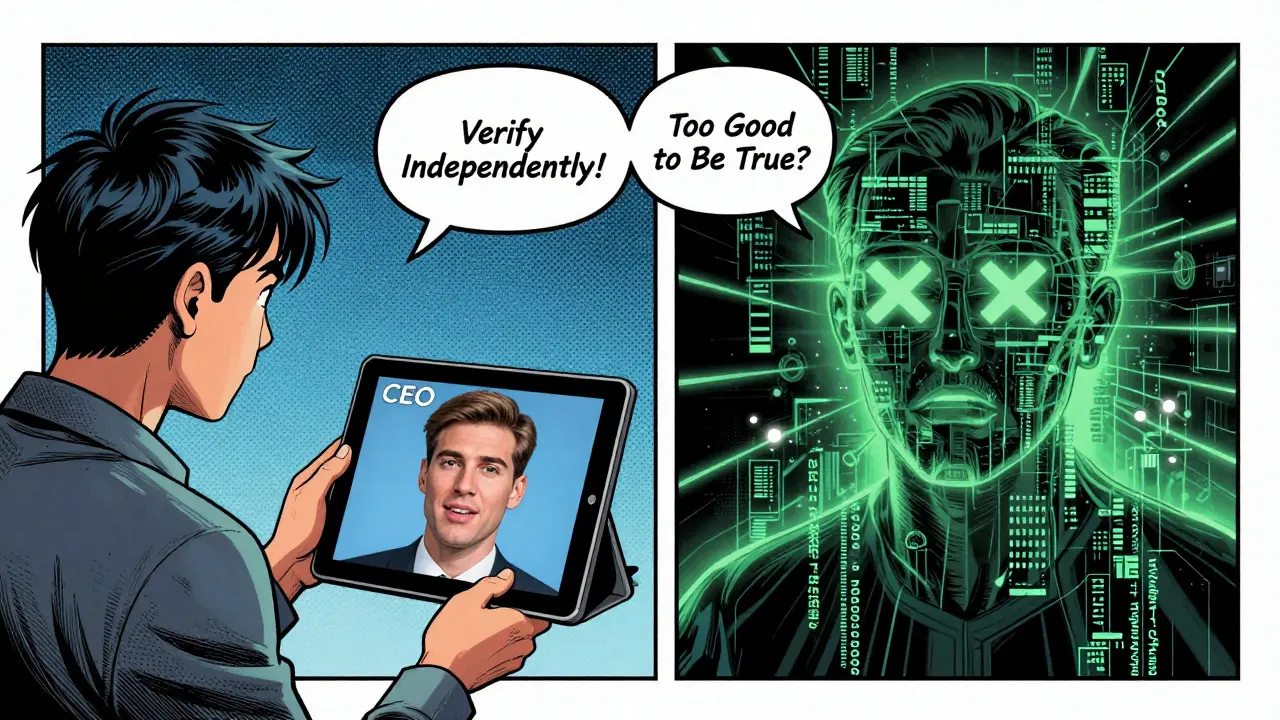
Here’s where things get scary. In Q1 2025, Elliptic reported 147 verified cases of deepfake phishing. Imagine receiving a video call from what looks like your exchange’s CEO or a trusted influencer. They speak your name, reference recent transactions, and ask you to move funds to a "secure vault" to protect against a hack. These AI-generated videos are terrifyingly realistic. The average loss per successful deepfake attack was $47,000.
Traditional email filters missed 41% of these attempts because they weren’t trained on crypto-specific patterns. How do you defend against this? Establish out-of-band verification. If someone claims to be support, hang up or close the chat. Go to the official app or website yourself. Find the customer support contact there. Initiate the conversation from your end. Never trust incoming communication that demands immediate action without independent verification.
Also, beware of "phishing-as-a-service." Cybersecurity Insiders documented that ready-made phishing kits are available on dark web marketplaces for as little as $50. This lowers the barrier to entry, meaning more amateurs are launching sophisticated-looking campaigns. Don’t underestimate small-time scammers; they’re often the most aggressive.
A Seven-Step Verification Protocol
Knowledge is power, but habit is protection. Implement this checklist every time you interact with crypto services. WalletGuard studies show users who follow all seven steps correctly identify 99.3% of phishing attempts. Skipping even one drops accuracy to 68.7%.
- Hover, Don’t Click: Always hover over links to reveal the true destination URL. If it doesn’t match the official domain exactly, stop.
- Check Domain Age: Use WHOIS lookup tools. Legitimate crypto services have domains registered years ago. If it’s less than a month old, be extremely cautious.
- Verify SSL Details: Click the padlock. Ensure the certificate issuer matches the company and the domain name is exact.
- Cross-Reference Contacts: Compare the sender’s email address with official support contacts listed on the company’s main website.
- Never Enter Credentials via Email Links: Bookmark your exchange or wallet login page. Type the URL manually or use your bookmark. Never log in through a link sent to you.
- Confirm Urgency Independently: If told your account is at risk, contact support through the official app/website to verify the claim.
- Use Blockchain Explorers: Before sending funds, paste the recipient address into a block explorer (like Etherscan). Check if it’s flagged as a scam or associated with known malicious contracts.
This process takes seconds but saves thousands. Mobile users face extra challenges; only 41% can properly verify URLs on small screens. Consider using desktop browsers for critical actions or enabling mobile security features that highlight unsafe links.
Protecting Your Seed Phrase and Private Keys
Your seed phrase is the master key to your crypto life. Guard it like gold. 89% of crypto phishing pages specifically target this data. Remember: no human, bot, or automated system needs your seed phrase to provide support. If a site asks for it during "verification," "migration," or "security updates," it’s a lie.
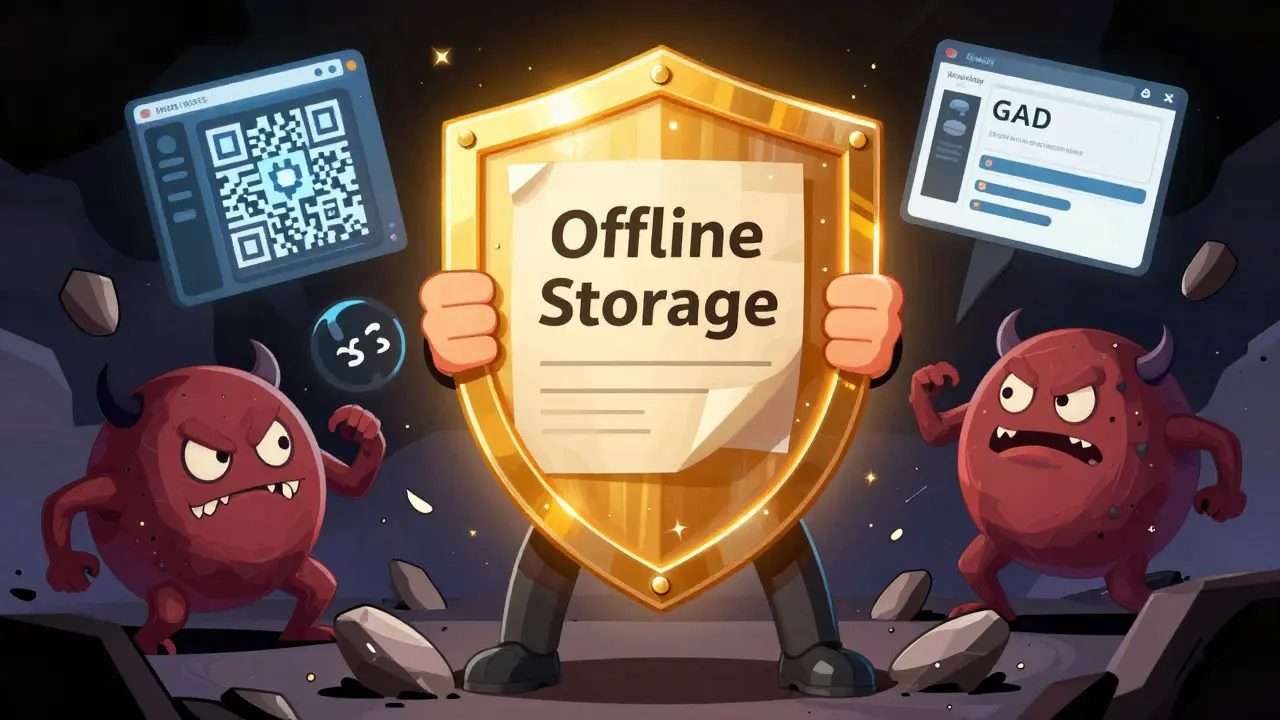
Store your seed phrase offline. Write it on paper or steel. Keep it in a safe place. Never save it digitally-no cloud notes, no email drafts, no screenshots. Digital storage is vulnerable to malware and remote access. When interacting with hardware wallets, ensure the transaction details match what you intend to sign on the device screen. Phishing sites can trick your computer, but not your hardware wallet’s isolated interface.
Be wary of "token approvals." Smart contract interactions can grant unlimited spending power to malicious contracts. Always revoke unused approvals regularly using tools like Revoke.cash. This limits damage if a connected dApp is compromised.
Real-World Lessons from Victims
Learning from others’ mistakes is invaluable. On Reddit’s r/CryptoCurrency, user u/EthereumNewbie shared how he almost lost ETH by missing a subtle typo: "etherium" instead of "ethereum" in the domain. Simple, yet costly. Another common failure point? Ignoring checksums. Ledger’s incident report found 82% of victims didn’t verify wallet address checksums. A single wrong character sends funds to the void.
Social engineering works because it exploits emotion. Fear, greed, and urgency override logic. Fake countdown timers, limited-time bonuses, and exclusive airdrops trigger impulsive clicks. Pause. Breathe. Ask yourself: "Does this make sense?" If it feels too good to be true, it is. If it feels too urgent, it’s likely a trap.
Experienced users like "CryptoSage99" on BitcoinTalk advise checking 17 visual discrepancies on potential phishing sites. While tedious, developing an eye for detail pays off. Look for misaligned buttons, broken images, or inconsistent branding colors. Even minor flaws indicate a clone.
Building Long-Term Resilience
Technology evolves, and so must your defenses. In 2025, exchanges like Coinbase introduced "Phishing Test" features, training millions of users to spot fakes with 89% accuracy after practice. Engage with these educational tools. Stay updated on emerging threats. Follow reputable security researchers and organizations like DFPI’s Crypto Scam Tracker, which documents verified cases weekly.
Regulatory changes also help. The EU’s MiCA regulations mandate multi-factor verification for large transactions. The SEC requires real-time phishing education for registered exchanges. Leverage these protections. Enable two-factor authentication (2FA) everywhere, preferably using authenticator apps or hardware keys, not SMS.
Finally, cultivate skepticism. Not all news is good, not all offers are genuine. Verify before trusting. Protect your assets by protecting your attention. The next big scam is already being coded. Are you ready?
What is the biggest red flag in a crypto phishing email?
The biggest red flag is any request for your seed phrase or private key. Legitimate services never ask for these. Other major signs include newly registered domains, urgent language threatening account suspension, and mismatched URLs when hovering over links.
Can a phishing site have a valid SSL certificate?
Yes. Most modern phishing sites use valid SSL certificates to appear trustworthy. However, the certificate may not match the domain name exactly, or it might be issued to a generic entity rather than the claimed company. Always click the padlock to verify details.
How do I verify if a domain is legitimate?
Use a WHOIS lookup tool to check the domain registration date. Legitimate crypto platforms have domains registered years ago. If the domain is less than a few months old, especially days, treat it with extreme caution. Also, compare the URL character-by-character with the official website.
Are QR codes safe for crypto transactions?
QR codes can be risky. Attackers increasingly use them to redirect users to malicious sites, especially on mobile devices. Always verify the destination URL after scanning. Ideally, scan QR codes on a secure device and cross-check the address with the sender’s public information.
What should I do if I suspect I’ve fallen for a phishing scam?
Act immediately. Move remaining funds to a new, secure wallet with a fresh seed phrase. Change passwords on affected accounts and enable 2FA. Contact your exchange’s support team through official channels. Monitor blockchain explorers for outgoing transactions. Consider reporting the incident to local authorities and fraud tracking databases.
How effective are deepfake phishing attacks?
Highly effective. In early 2025, there were 147 verified cases resulting in significant losses. Deepfakes mimic voices and faces of trusted figures. Defense relies on out-of-band verification: hang up, then contact the person or company through a separate, trusted channel to confirm the request.
Why do scammers use password-protected PDFs?
Password-protected PDFs bypass automated email scanners that detect malicious links or attachments. The password is usually provided in the same email or via SMS, forcing manual opening. Once opened, the document may contain hidden scripts or deceptive instructions leading to phishing sites.
 Cryptocurrency Guides